Top 5 Project Management Tools That Boost Team Collaboration
Effective project management is crucial for enhancing team collaboration, and utilizing the right tools can make a significant difference. In this article, we will explore the Top 5 Project Management Tools that streamline communication, improve workflow, and foster collaboration among team members. These tools not only help in organizing tasks but also enhance transparency within teams, allowing for seamless integration of ideas and progress tracking. Here are the tools you should consider:
- Trello - A user-friendly platform that organizes tasks on boards, making it easy to visualize project progress. With features like checklists, attachments, and comments, Trello keeps everyone in the loop. To learn more, check Trello's official site.
- Asana - Designed for team collaboration, Asana allows users to create tasks, set deadlines, and track progress in real-time. Its intuitive interface aids in managing projects efficiently. More information can be found at Asana's official site.
- Slack - While primarily a communication tool, Slack integrates with project management systems, facilitating discussions around projects and enabling quick decision-making. Discover more at Slack's official site.
- Monday.com - This visually appealing tool allows teams to collaborate on projects using customizable templates and automation features. Its flexibility makes it suitable for various industries. Visit Monday.com's official site for details.
- Jira - Ideal for software development teams, Jira helps manage and track projects through agile frameworks. It provides features for bug tracking and project planning. For further insight, check Jira's official page.
How to Choose the Right Project Management Tool for Your Team
Choosing the right project management tool for your team is crucial to ensure efficient collaboration and productivity. Begin by assessing your team's specific needs and workflows. Consider factors such as the size of your team, the complexity of your projects, and the features that are essential for your success. For instance, do you need tools for task tracking, time management, or resource allocation? Once you have a clear understanding of your requirements, you can explore various options available in the market.
Next, evaluate different project management tools by looking at user reviews, ratings, and feature lists. It's beneficial to compare established platforms like Asana, Trello, and ClickUp to identify which one aligns best with your team’s workflow. Additionally, utilize free trials or demo versions to get a firsthand experience before making a decision. Remember, the right tool will not only enhance productivity but also improve team communication and project visibility.
What Are the Key Features of Effective Project Management Software?
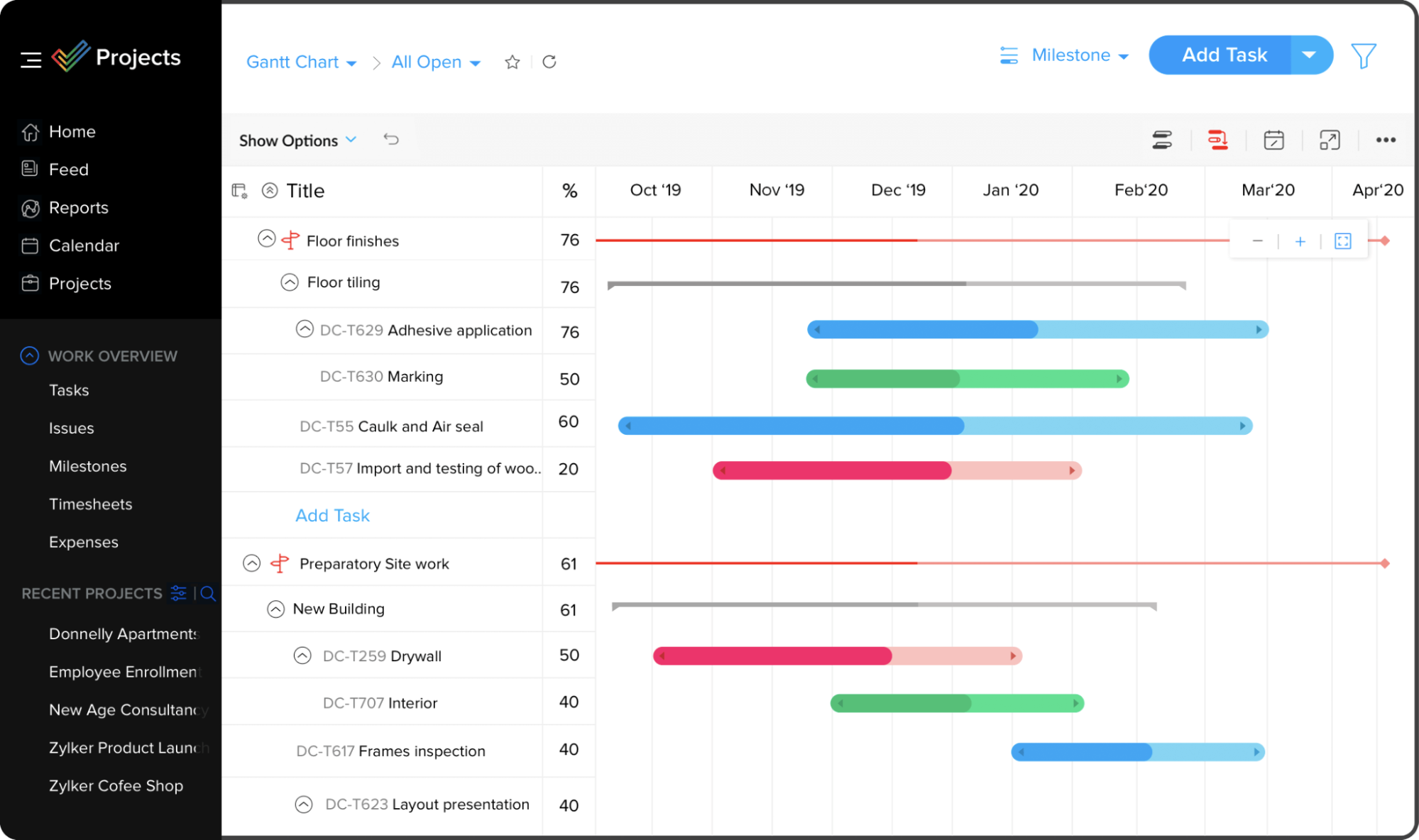
Effective project management software is essential for streamlining workflows and enhancing team collaboration. One of the key features is a user-friendly interface that allows team members to navigate the application easily. Additionally, task management capabilities enable users to create, assign, and monitor tasks efficiently. Features such as Gantt charts and Kanban boards provide visual representations of project timelines, which help teams stay on track. To further enhance productivity, comprehensive reporting tools are crucial for tracking progress and identifying areas for improvement.
Collaboration tools are another critical aspect of effective project management software. A centralized communication platform allows teams to discuss ideas and share updates in real-time, reducing the chances of miscommunication. Furthermore, resource management features help allocate team members and assets according to project requirements. Integration with other applications, such as Jira or Trello, can also enhance functionality. Ultimately, the combination of these features results in a more organized, efficient, and successful project management process.